
Your Firewall Can't Hear Radio · Chapter 4
Listen Before You Touch
You can't protect a radio link by ignoring it.
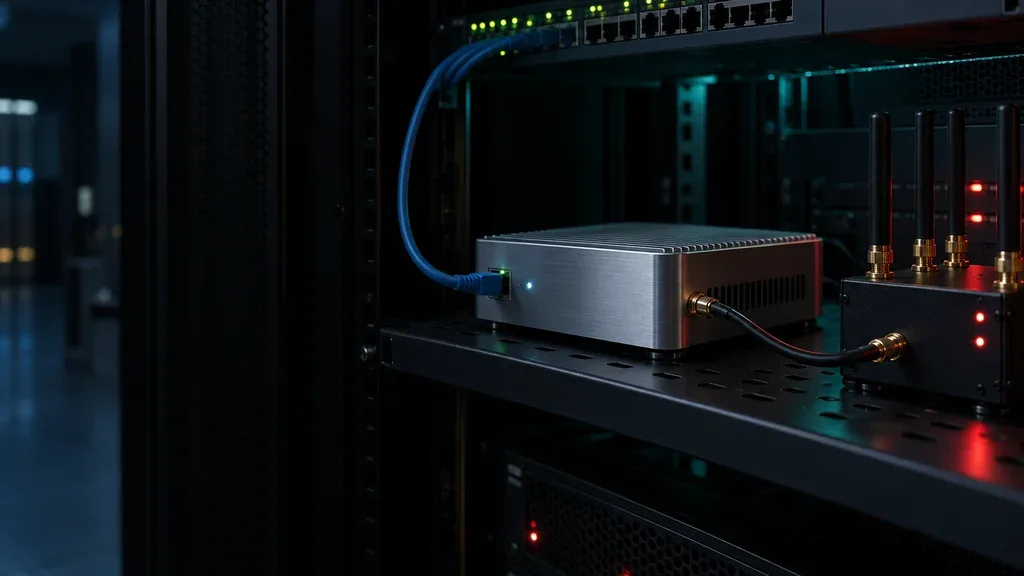
Here's how Findavi listens at your site, in plain terms.
One box, two ways to listen
Findavi runs on a small appliance at your site.
- The wires. A network mirror port gives Findavi a passive copy of the traffic in the areas you approve. It listens. It never probes your devices.
- The air. Findavi connects to an RF switch, which picks up the Wi-Fi and RFID side of your site.
With both, your team sees the wires and the air of one site in one place. A badge reader or wireless device that shows up where none was listed stops being invisible.
What it listens to
- Cellular modems and routers. When a controller, alarm panel or kiosk with a cellular modem is also on your network, Findavi sees it there. It alerts your team when the device drops off or acts differently, and it can cut the device off from the rest of your network.
- RFID badges and door readers. Findavi protects supported RFID systems and checks that real employee badges and tag reads keep working.
- Wireless links and gateways. The links that carry data from sensors, meters and building systems. Findavi learns their normal activity and flags new devices, connections and changes.
- Wireless devices nobody listed. Findavi flags Wi-Fi and RFID devices that show up where none were approved, including equipment missing from your inventory.
What it doesn't do
It doesn't jam. Findavi listens. It doesn't jam or block the radio signals your devices depend on.
It doesn't hear cellular. A modem that talks straight to a cell tower and never touches your network is out of Findavi's view. We say so up front. Then we find those modems the reliable way: we walk the site, check the hardware and give every modem an owner.
It doesn't see everywhere. Findavi hears the areas it's connected to. Range and radio types depend on the RF switch at your site. We confirm coverage during planning and tell you what's out of view.
It doesn't send your data away. Findavi's AI runs on the appliance itself. The network data it collects never leaves your site.
Listening finds what alerts miss
OBSERVED
At a transport site we assessed, an unauthorized device scanned the network. The existing security tools raised zero alerts. Our assessment caught it.5
That was on the wires, where tools were already watching. Now ask who would notice something in the air.
Listen first. Learn what normal looks like. Change nothing until your team agrees on what matters.
TRY THIS
At one site, can your security, facilities and network teams look at radio activity and network activity in the same investigation?